

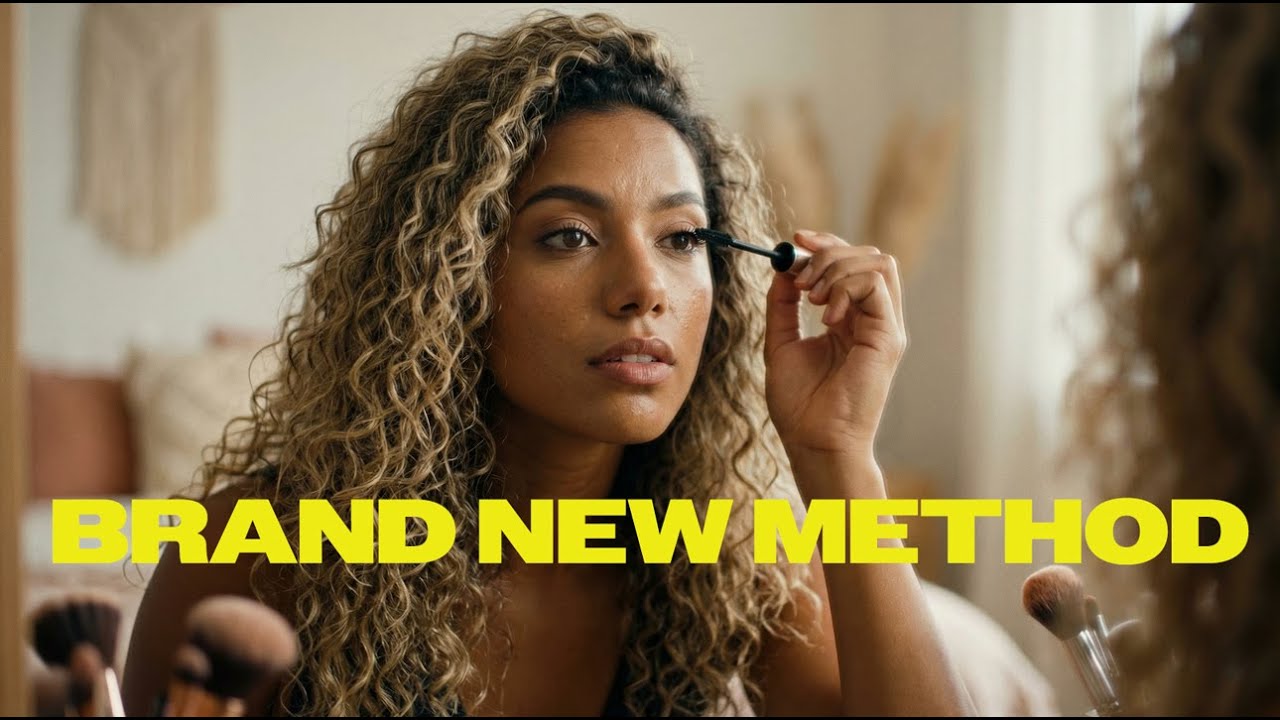
You might be thinking, no one is going to listen to an AI influencer.
Well, you'd be wrong. AI Influencers are already huge.
Just think about it -- many people LOVE cartoon characters and mascots and feel an affinity towards these characters. AI Influencers are the same idea; they are mascots for a brand. Think the gecko from Geico, Ronald McDonald from McDonald's, or even Santa Claus.
On an even more practical level, consider YouTube. There are currently many channels that are essentially faceless, such as Magnates Media, that get multiple millions of views. A lot of the reason why creators decide to remain faceless is because they want to remain private. In this day and age, where anyone can deepfake you through a photo, it's crucial that people stay private citizens.
But now, instead of being faceless, you could create a mascot character or use a Victoria's Secret model as your spokesperson, and not have to rely on hiring someone to work for you.
And last but not least, an AI influencer can look like anyone, can sound like anyone, and can be the perfect embodiment of your brand.
I could be a nerdy slob at my desk, but my AI influencer can be a hot Instagram model, for example. Or I can create an AI influencer that's a buff Black man with a sexy British accent. Whatever I want to create, I can create.
In this article, we're going to build an AI influencer from scratch using Influencer Studio, one of the easiest ways to build your AI Influencer.
We made Influencer Studio to make it extremely easy to build realistic AI influencers and make them life-like enough to trick your grandpa into thinking he's about to go on a date with a hot Instagram model.
1. Define Your AI Influencer’s Concept
Look
Before diving into the technical details, it’s vital to have a clear idea of who your AI influencer is. Consider their appearance, style, and aesthetic.
Personality
Determine what kind of personality your AI influencer will have. Will they be quirky, serious, or playful?
Promotion
Decide what products or messages your AI influencer will promote.
For our first concept, we're going to start with a Latina Instagram baddie, since that's one of the easiest ideas to start with for now.
Head into Influencer Studio > create a new workspace > then influencer mode > generate with AI.
Luckily, inside Influencer Studio, we already have a Latina baddie archetype, but if you want to customize your own, you can also use one of the other avatars or start from scratch.

Once we set the details and have the influencer trained (takes roughly 10 minutes), then you can start creating content with the influencer.
2. Start Generating Content
The best mode to get a lot of great ideas is in the new "mass post" mode.
In here, you can use your influencer to either auto-generate with typical ideas, upload reference images, or use templates.

Using the mass post feature, you're able to instantly get 12 social feed approved images.

Inside the mass post feature, you'll also get captions done for you.

3. Make Sure You Keep It Realistic
One really cool way to get authentic-looking images is the Upload References mode inside the mass post mode.
Here you can upload other influencer's photos to get ones that look similar, but featuring YOUR influencer. These end up looking really realistic.
Here's a photo I got by copying a reference photo; I would've never been able to prompt this myself.

4. Generate TikTok Reels
In addition, inside Influencer Studio we also have an amazing motion capture feature to make realistic reels and TikToks.
Go to studio editor > generate AI asset > motion control to access this amazing feature.
5. You've made your influencer, how do you get traffic?
Now comes the hard part. You've made your AI influencer. Now how do you get traffic?
Just because you have great photos, doesn't mean you're all of a sudden going to blow up on social. It's not that easy anymore, especially since there's so many AI influencers everywhere.
Stay tuned, as we have a guide for that coming up soon.